(Back to How to...)
Let's say your tutor provided you with a link to a board. You pasted it into your browser.
The system gives you this message:
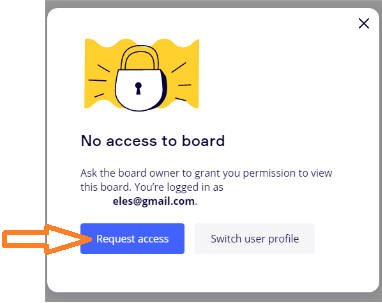
Press on the "Request access" button.
Click on the next button to proceed.
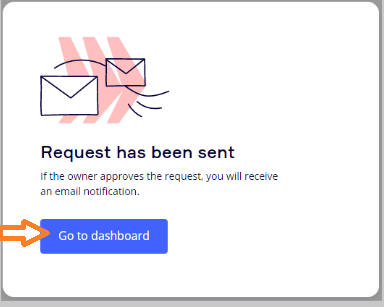
Wait for your tutor to give you access.
If you are the owner of the board and the one giving access click here.
When the owner of the board has given access, you will see the new team if such applicable on the left side of the page.
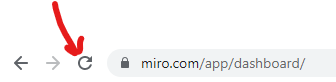
Try refreshing the dashboard page if necessary.
At this point you can simply copy-paste the link you started with again into the browser and you'll enter the board, and stop there.
Alternately, you can click on the new team square if this is a new team.
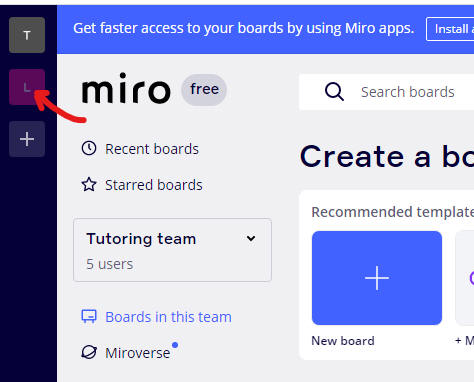
All the boards in this team appear and are now accessable to you.
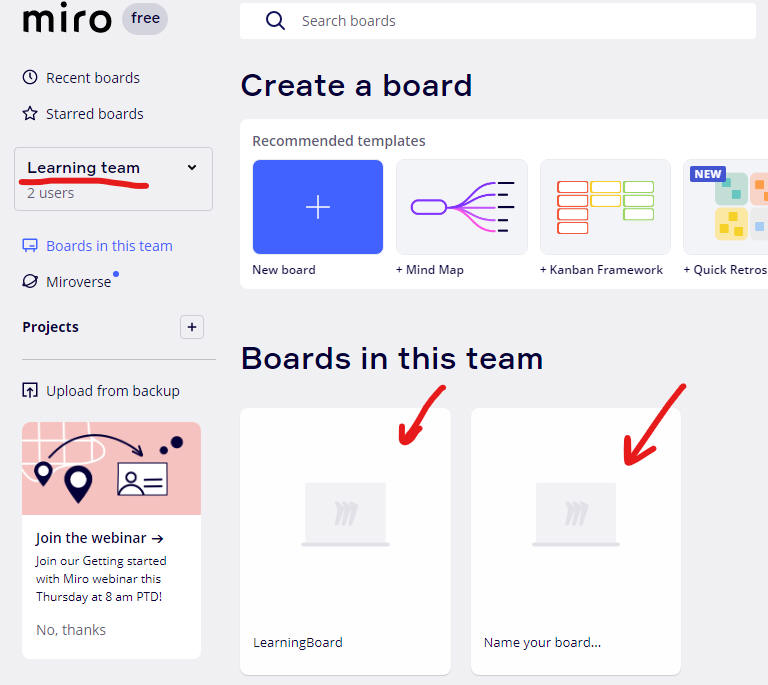
If you don't see the page you are interested in you may need to refresh.