
(Back to How to...)
(when you give access to a board, all team members have access to all boards in that team, not just the one offered).
If someone is requesting access you will see it in the right top corner of your dashboard.
If don't see it, refresh your dashboard page.
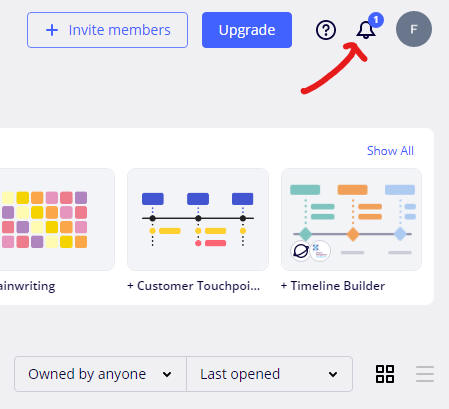
Click on the bell to see the message.
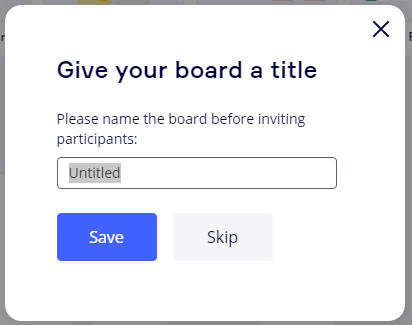
If your board has no name, the system will first attempt to have you name it. Type a name and hit the "Save" button.
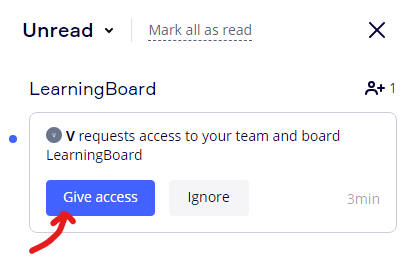
Press the "Give access" button.
Make sure you permit edit via "Can edit" below. Then press the "Send invitation" button.
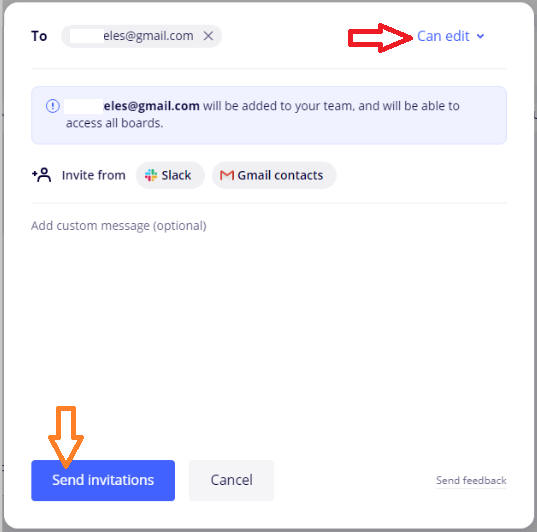
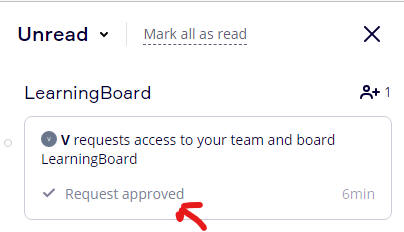
The system adjust the message in your view, telling you have approved the request.
This concludes giving access to someone else to your board.
(Back to How to...)