
(Back to How to...)
A meeting link was sent to you.
You need to be logged into a Gmail email account that is not your school email address (read here for the reason why).
Make sure you only connect when it is time to, otherwise there will be no one there to let you in.
When it's time, copy paste the meeting link given to you into your browser's address bar.
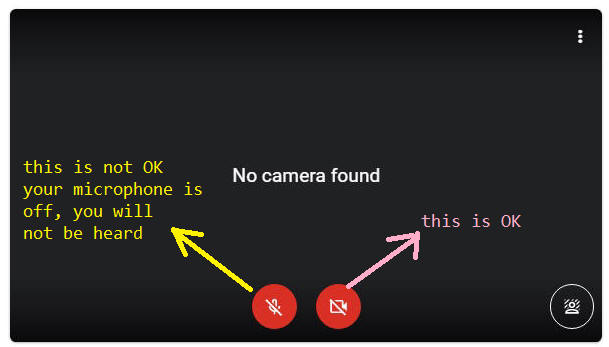
Verify the icons below:
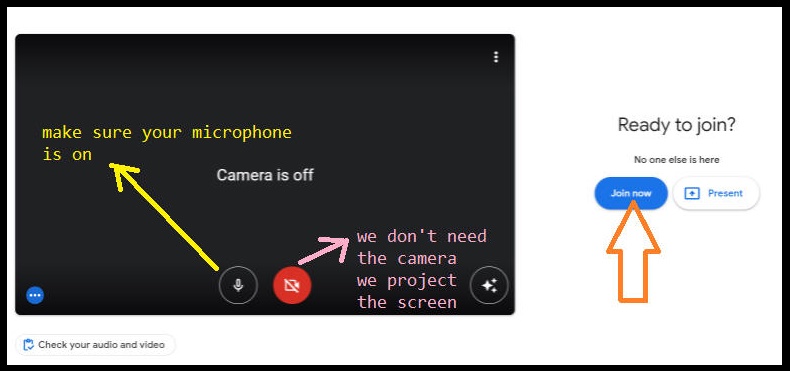
Click over the Join now button.
Click here to see how to enable your microphone.
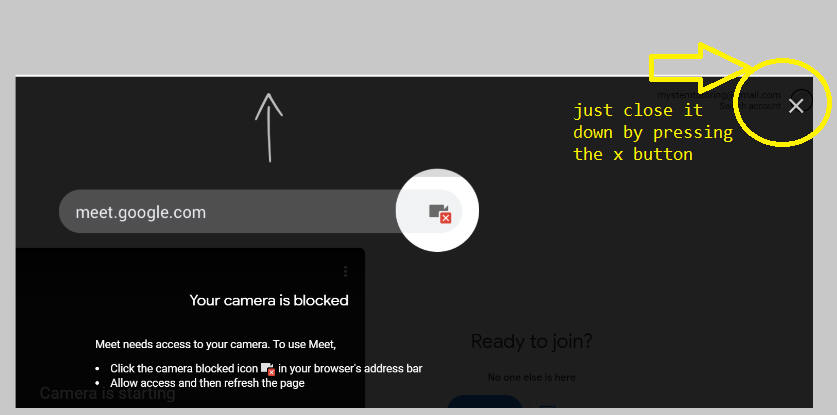
If you see this message
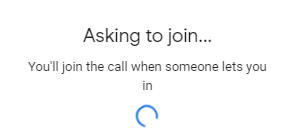
While you wait to be let into the meeting you will see this message
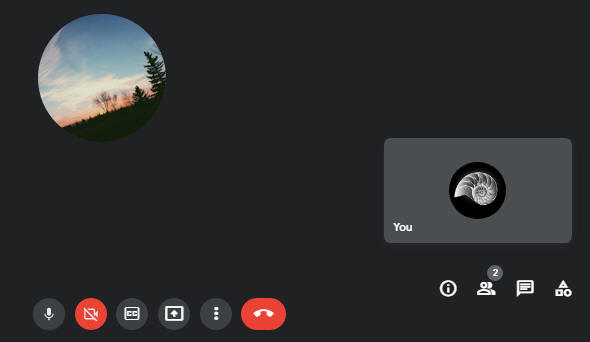
A screen similar to the one below appears after you are let in by the meeting owner.
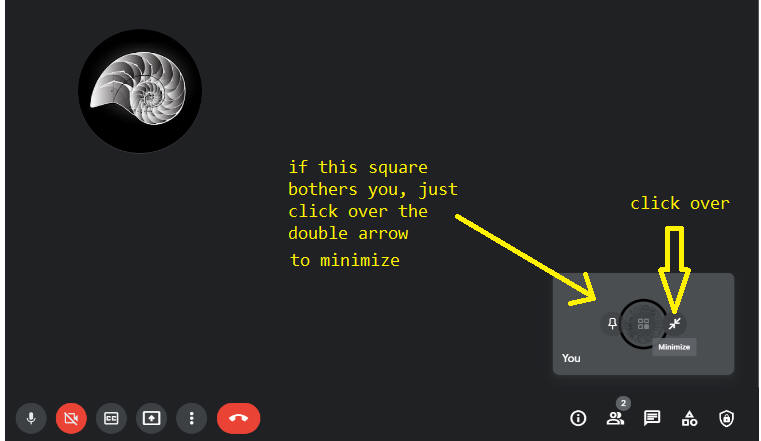
The result becomes this:
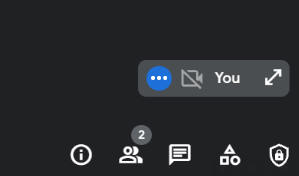
Please wear earphones to avoid feedback noise.
See also the Troubleshooting Page.
Back to How to...