
(Back to How to...)
Using Desmos for Graphing and Calculations
- it's free
- you don't have to log in, though you can if you wish to organize your graphs
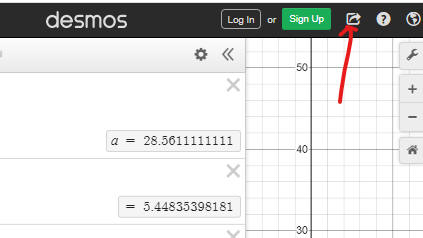
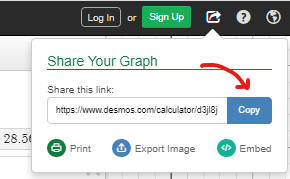
- you can share on-the-fly-hyperlinks of your graphs with anyone in two mouse clicks
Grade 12: Mathematically Desmos is good for you because:
- you can quickly verify your function transformation, and its baseline side by side.
Here is an example:
https://www.desmos.com/calculator/jmrwxsr5f0
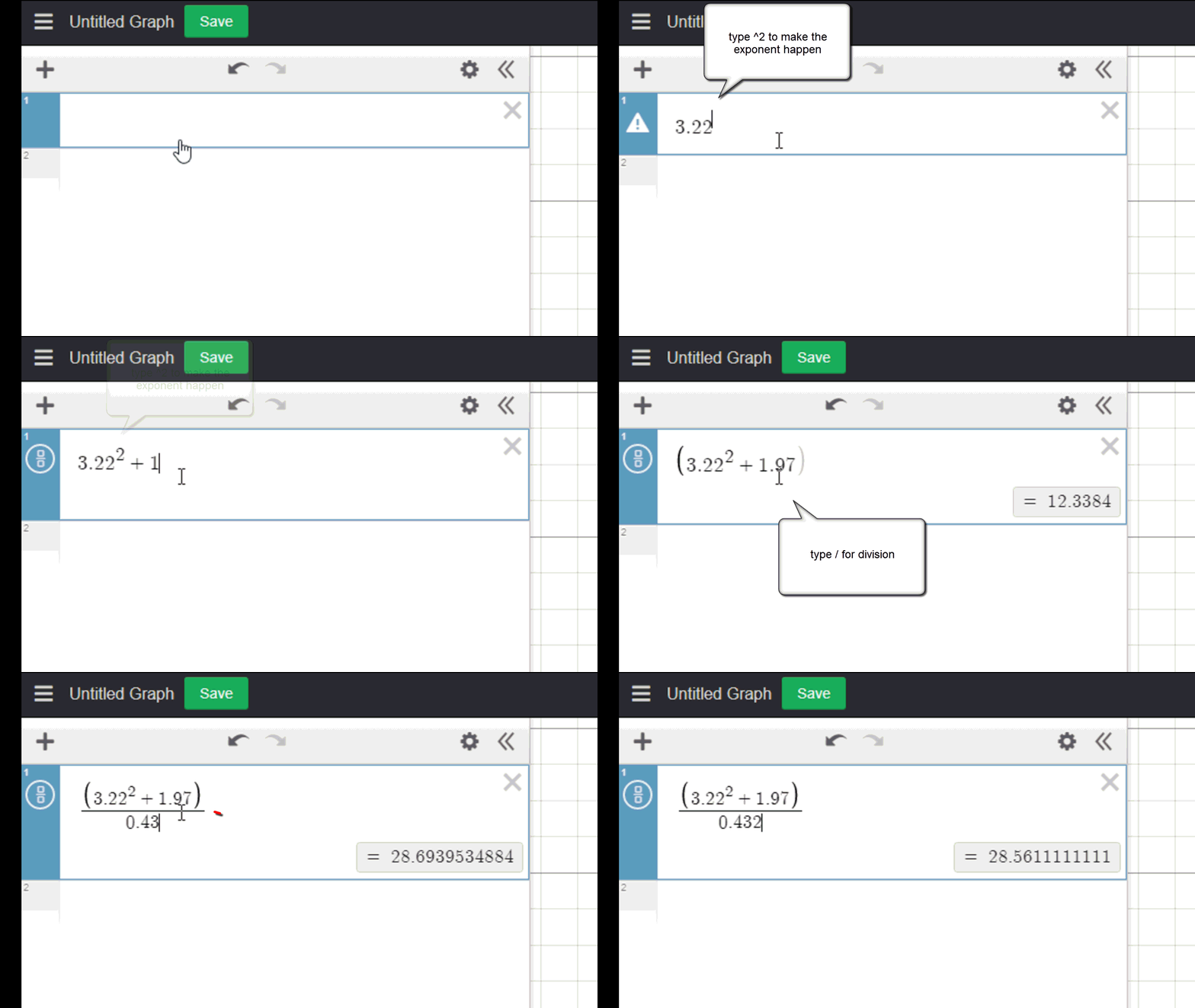
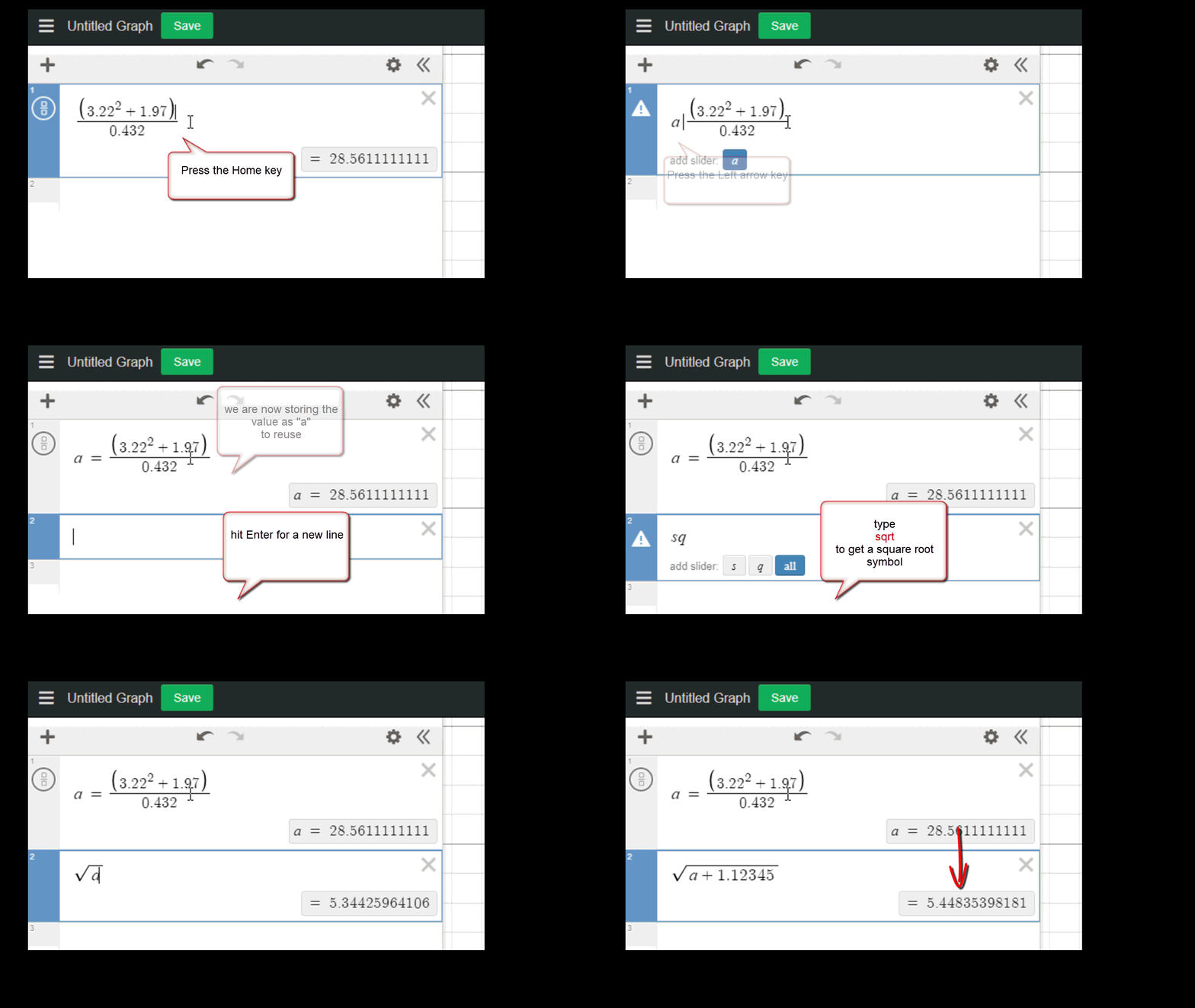
It's easier to calculate with Desmos than the Windows Calculator for example,
since you get to
see the entire sequence and can correct or update calculations with ease by
editing your formula.
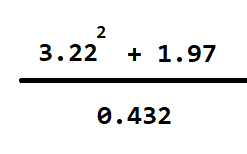
The next example calculates:
https://www.desmos.com/calculator/fa1pzyo4sb
Set the base of a logarithm:
type log then type the underscore key and the number that is the base.
Find various feature demonstrations here:
https://www.youtube.com/playlist?list=PLfM6zMGnbgOGLZc-_Yj3QVK3Vz_L4Cw59
Watch a short introduction to Desmos tutorial: https://www.youtube.com/watch?v=vJKfkVoCtMg&source_ve_path=MTc4NDI0
Back to How to...