
Bramble
Create a free account with Bramble:
type the following link into your browser, or click the link below.
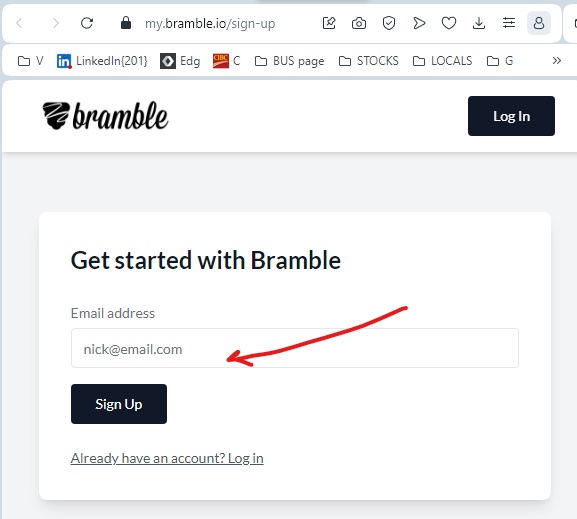
Type your email address in the box provided (see above), then press the Sign Up button.
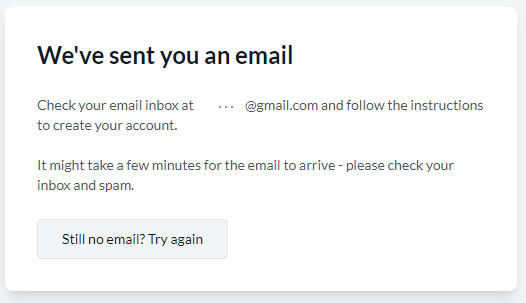
The system responds so:
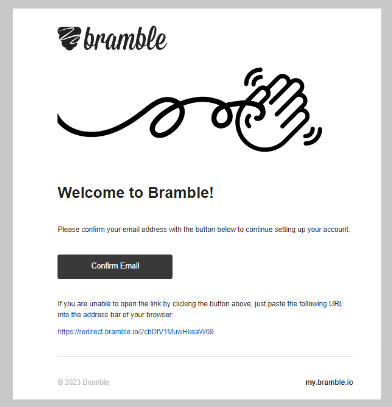
An email similar to this will be sent to you.
Check your email and copy paste the link given to you into the browser (or click the "Confirm" button)
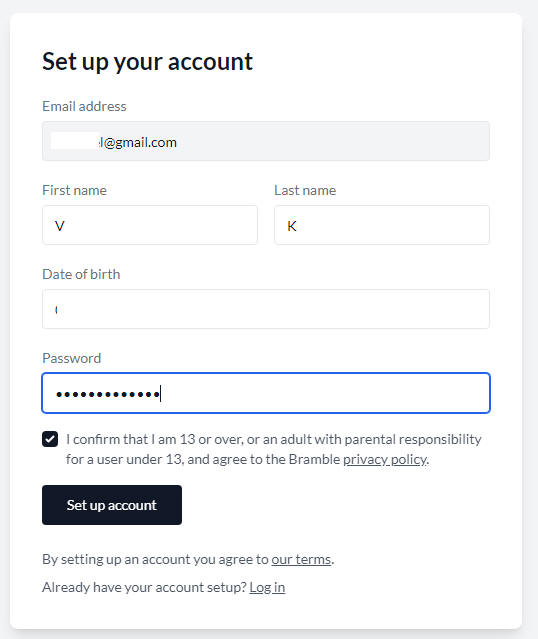
Fill out the form that follows. Then press the "Set up account" button.
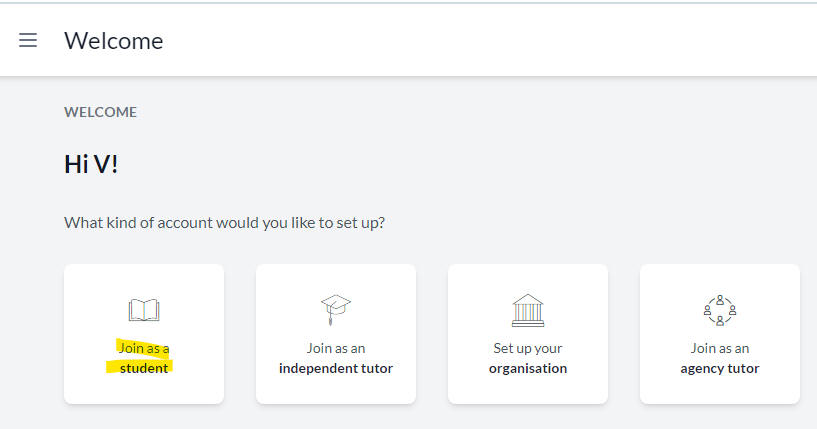
Select the student account from the list that follows
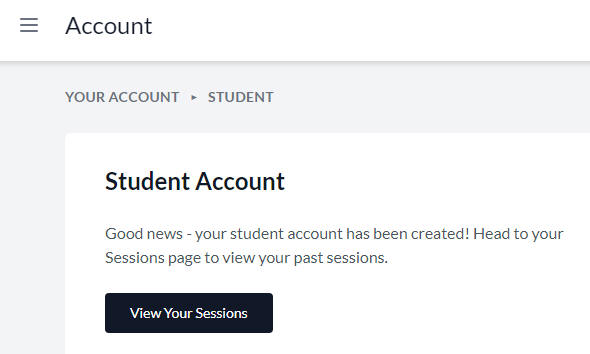
The setup ends like so:
Make sure you are using Chrome only with Bramble.
A bramble link will be sent to you via email before the meeting starts.
You will need to click the link and follow the instructions that will follow to
complete the process right before the meeting starts.
Email your tutor if you have a problem.
Back to How to...